
Summary of Custom Object Features and Limits
Custom Object Functions
Associations
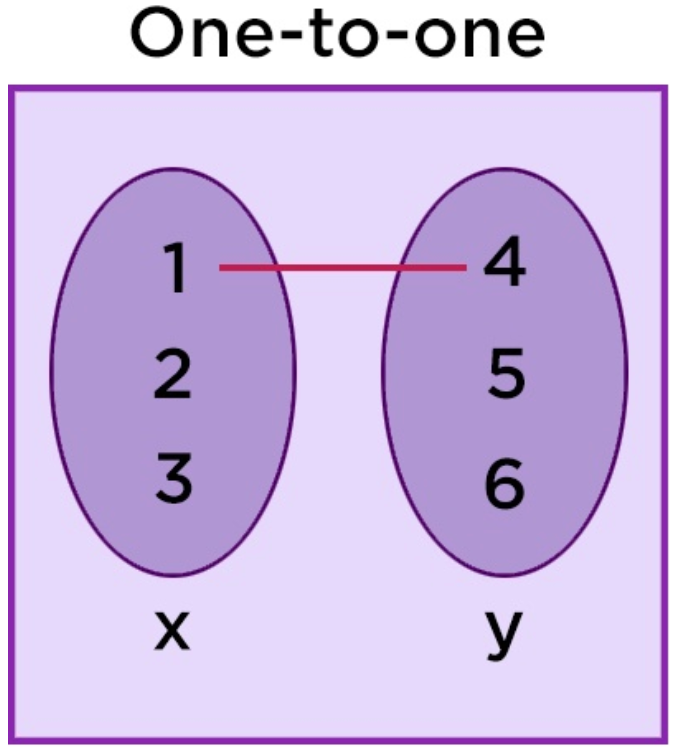
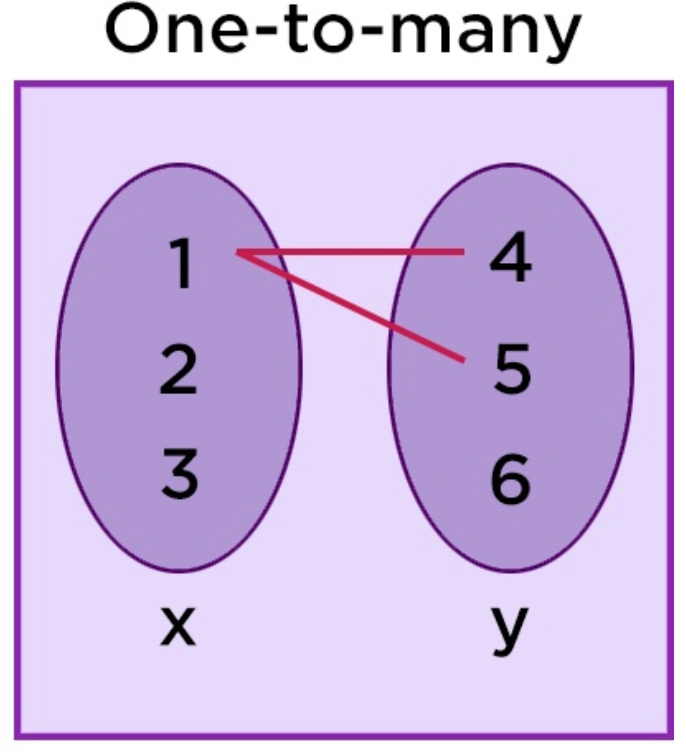
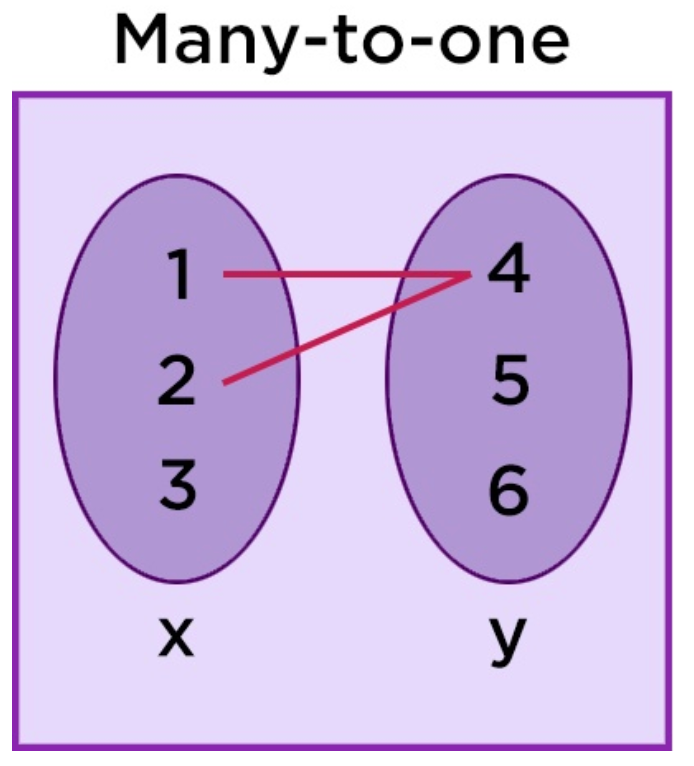
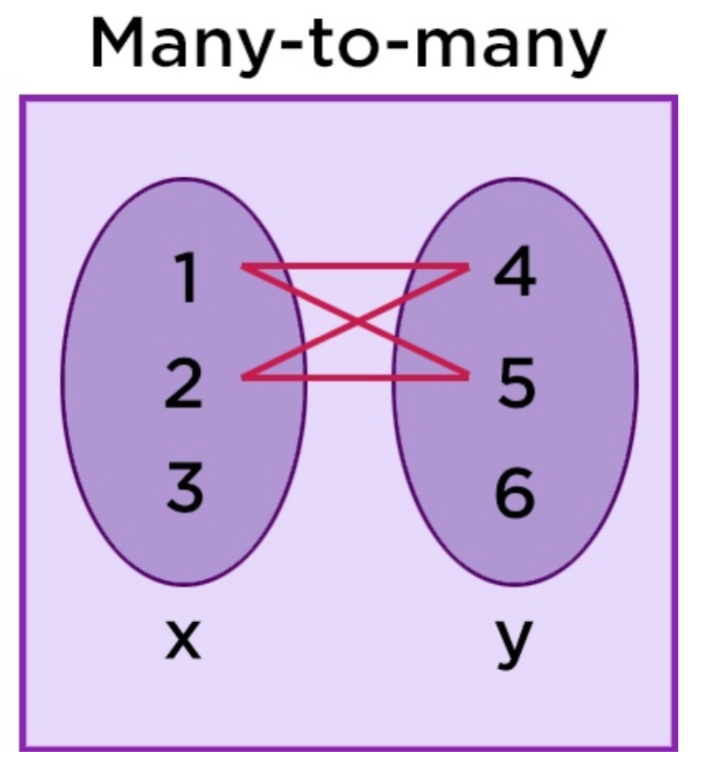
Associations define how records relate (e.g., “Vehicle → Owner”). You can create one-to-one, one-to-many, or many-to-many links and reuse them in filters, SmartLists, and workflows for crystal-clear data relationships.
|
|
|
|
|
Custom Fields
Each Custom Object supports its own custom fields—text, number, date, dropdowns, and more—so you capture exactly the data points your business relies on.
Workflow Automation
Trigger automation whenever a Custom Object is created, updated, or deleted. Common actions include sending notifications, updating related objects, firing webhooks, or adding rows to Google Sheets.
SmartLists & List View
Create shareable SmartLists, resize columns, and switch saved views to surface the exact object data your team needs. Combined with List View sorting and column selection, Custom Objects feel like a purpose-built database.
Advanced Filters & Reporting
Apply AND/OR logic across any object or custom field to pinpoint precise record sets—perfect for specialized reporting or one-off exports.
Audit Logs
Track every create, update, delete, or association change for complete data governance and accountability.
Custom Object Support
Custom Objects are Supported In:
- Contacts, and Opportunities (via associations)
- Workflows (triggers and actions)
- Forms, Surveys and quizzes
- Dashboards & Reporting
- APIs & Webhooks
- Custom Fields (all field types supported within Custom Objects)
- Tasks
Custom Objects are Not Supported In:
- Email Campaigns
- Bulk Email / Bulk SMS
- Conversations (cannot view or use CO data yet)
- Funnels & Websites (cannot display dynamic CO data yet)
- Calendars & Scheduling
- Reputation Management / Reviews
- Payments & Invoicing
- Company
Coming Soon (Planned Support):
- Notes
- Funnels & Websites: Dynamic CO data binding and display
- AI Knowledgebase: Ability to fetch and reference CO data in AI agents
- Emails via Workflow : Send email to associated contacts of the custom object records
Frequently Asked Questions
Q: How many objects can I create?
A: Up to 10 per sub-account across all plans.
Q: Can I upgrade beyond 10 objects?
A: Today the hard cap is 10.
Q: Will my existing workflows break if I add more objects?
A: No. Workflows recognize new objects automatically. Just add relevant triggers or actions.
Q: Are there API endpoints for Custom Objects?
A: Yes. The REST API supports CRUD operations on objects and records. See the API docs for schema details.
Q: Who can edit or delete a Custom Object?
A: Only admins at the location level have create, update, or delete permission. Regular users are read-only.
Q: Is object data counted toward my account storage?
A: Yes, each record and file stored inside a Custom Object counts toward your overall storage quota.